 Check Cartridge
The Check Cartridge command shows the material level of installed cartridges, it also checks if the cartridge is properly inserted.
-
In the Print tab, click Printer Tools.
-
Click Check Cartridge.
-
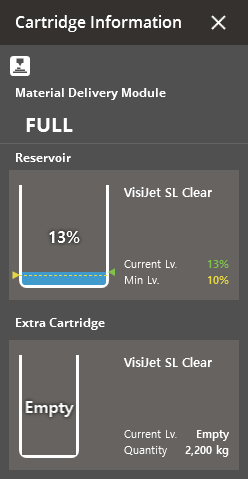
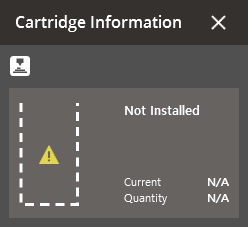
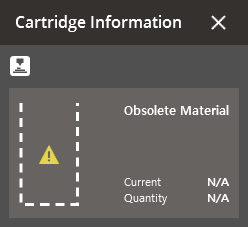
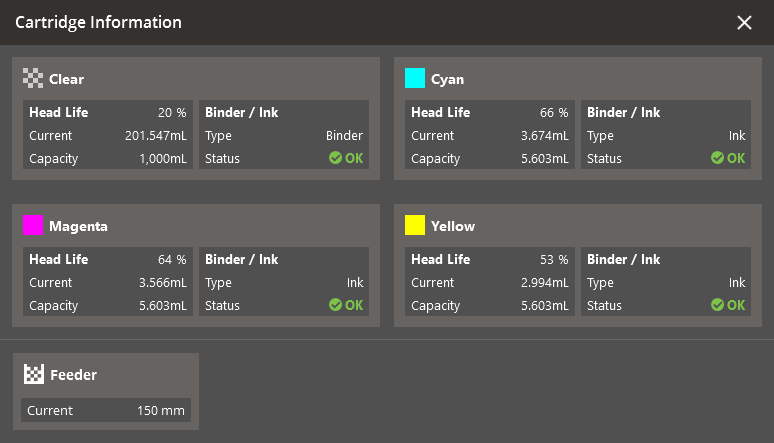
A dialog window will appear showing the cartridge status.
-
Current is the current amount of material in the printer, Quantity or Capacity is the total capacity of the cartridge.
Note: If the cartridge is not properly inserted, an error will appear. Check that the cartridge is properly inserted and try again.


