Connect Printer
3D Sprint is able to connect to and manage multiple printers through network or USB connection. The connection is managed by the supporting application Print Queue Agent.
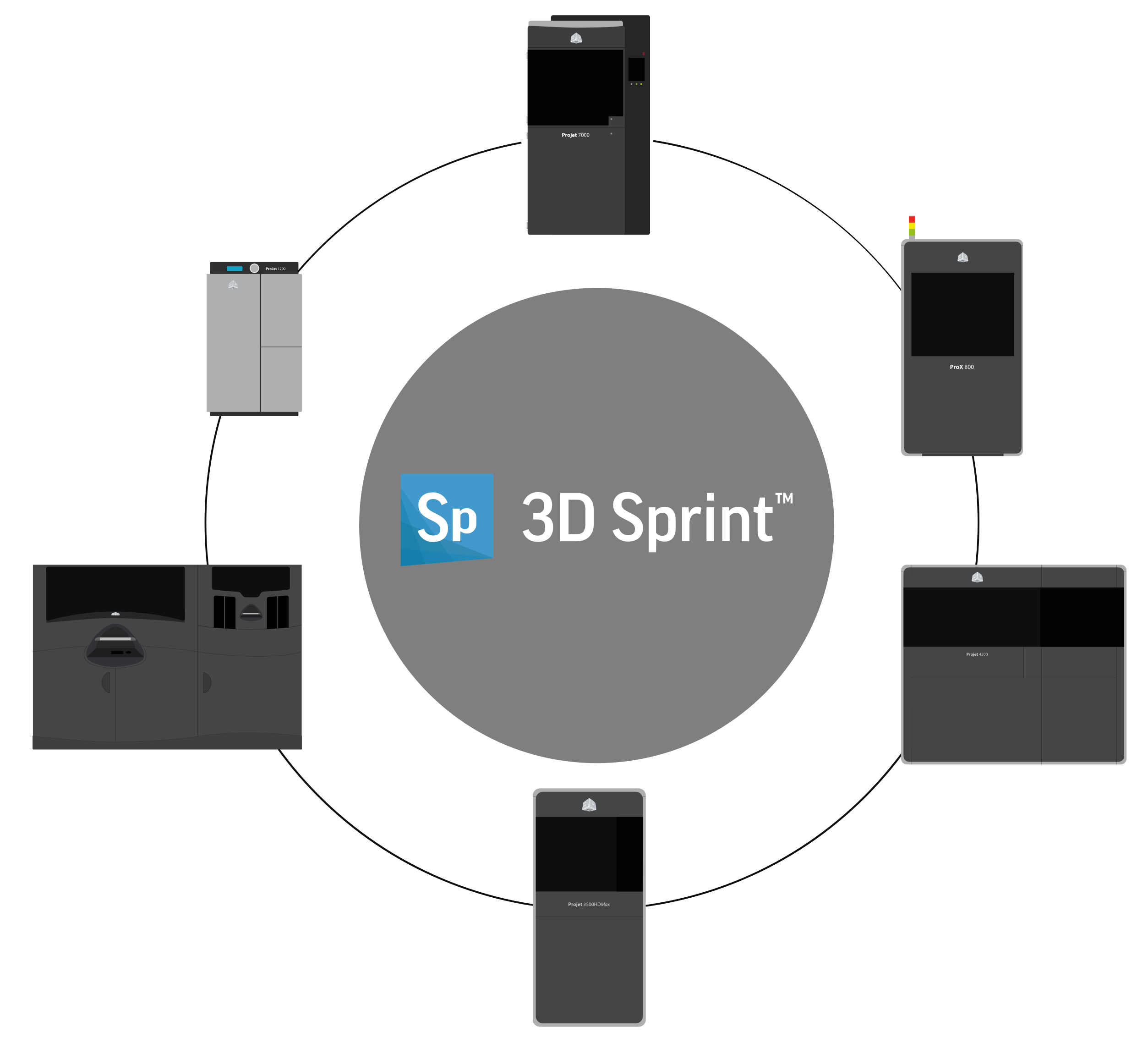
Manage and connect to printers using the Printer command  in the Print Setup module. You can also select a virtual printer to setup a print job and save a build file to use later or for a non-connected printer.
Network Connection: To be able to connect to a physical printer via a network connection, several network ports need to be open in any Firewall between the printer and the system running the 3D Sprint application.
For more information on the port required, please consult the hardware documentation for your connected printer.


