 Scaling by Unit
The Scaling by Unit tool converts the unit for selected parts from mm to inch or inch to mm by transformation. It is useful when parts are imported with incorrect unit.
Note: Click Simple UI  to switch between the simple and the advanced User Interface. In the Simple UI, only the tools for minimum workflow are visible.
- In the Print tab, click Scaling by Unit.
-
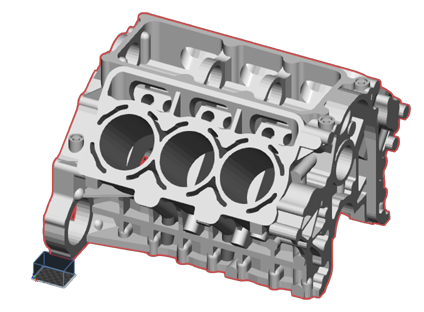
Select parts to convert.
-
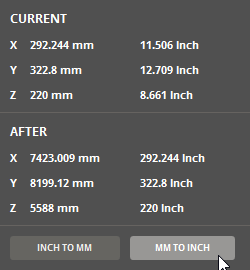
Hover the mouse cursor over INCH TO MM or MM TO INCH to preview the size in the size comparison.
-
Click one of the options to convert the parts unit.
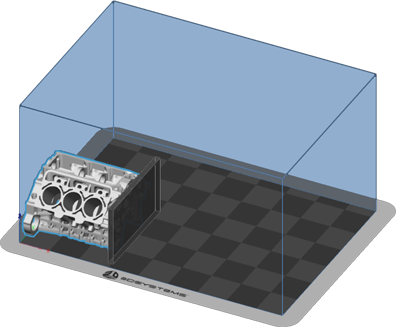
Changing from mm to inch will scale up the part, changing from inch to mm will scale down the part.
See Also


