 Delete Subparts
Select one or more subparts and delete them in a part. It is useful to remove only selected subparts from a part.
Note: Auxiliary parts, such as supports etc, will be removed from the related part when using this command.
Note: Click Simple UI  to switch between
the simple and the advanced User Interface. In the Simple UI, only the
tools for minimum workflow are visible.
to switch between
the simple and the advanced User Interface. In the Simple UI, only the
tools for minimum workflow are visible.
In Prepare tab , click Delete Subparts.
Select the subparts you want to delete. Hold down the Shift key to select multiple subparts.
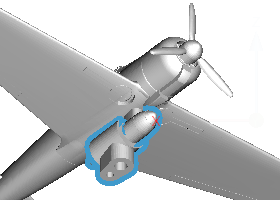
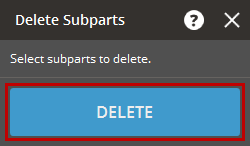
Click Delete to remove the selected subparts from the main part.
Check the results.
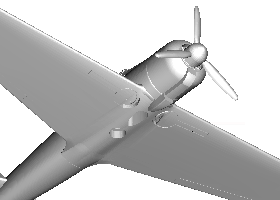
Note: The Delete Subparts command allows you to continue to delete subparts until all unwanted subparts are removed.
See Also


