 Getting Help
To get help when using the application, press F1 or click Help  . The help contents will open in your default browser.
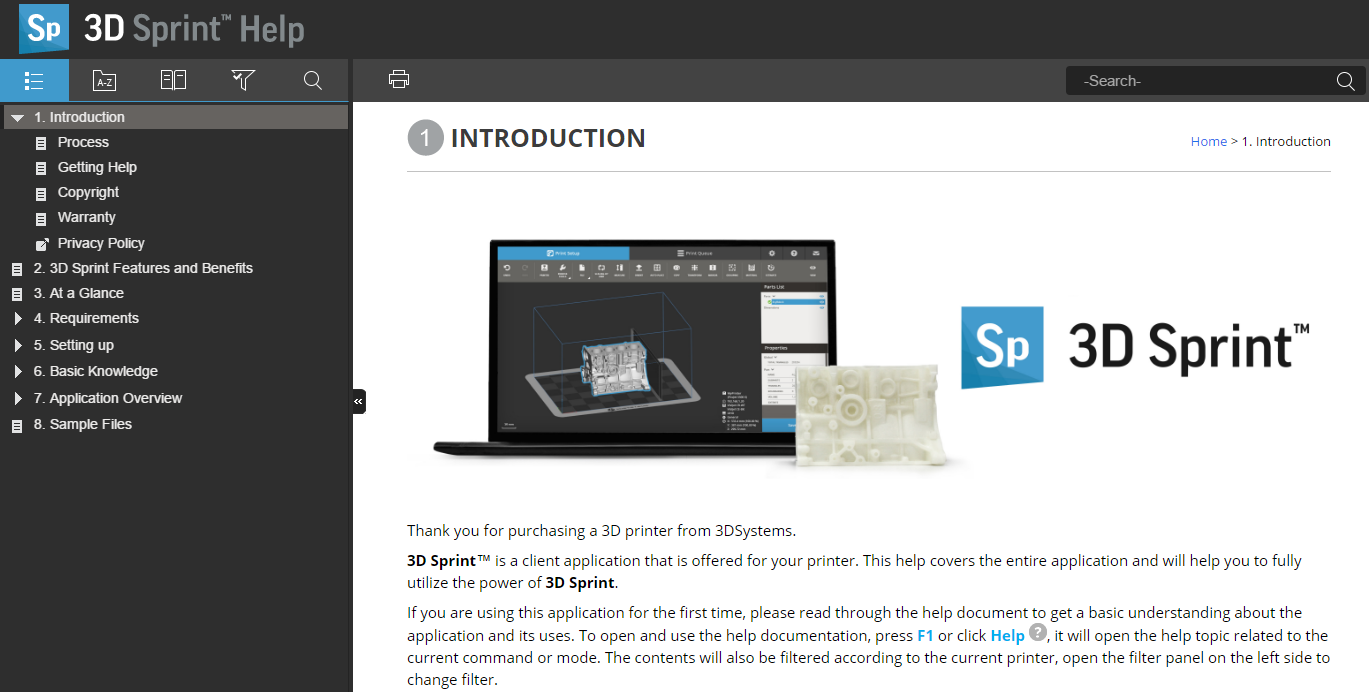
If the application is in an active command the related topic will open. Otherwise the first page or latest viewed page will open.
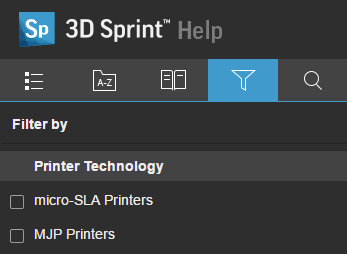
The contents will be filtered after the current printer. Use the filter tab to select which printer contents to show.
Note: If the help is not displaying properly, please download and install the newest version of Google Chrome or Internet Explorer 11.


