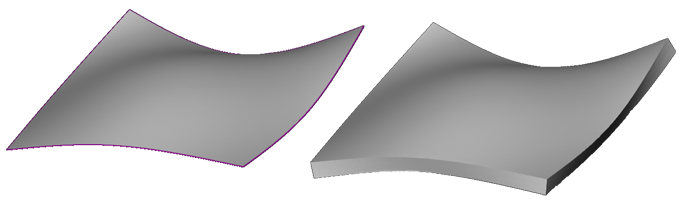
Thicken
Thicken an unprintable surface to create a printable solid part.
Note: The Thicken can only be applied to open boundary parts.
Note:
(NextDent 5100 Printer) Click
Simple UI  to switch
between the simple and the advanced User Interface. In the Simple UI,
only the tools for minimum workflow are visible.
to switch
between the simple and the advanced User Interface. In the Simple UI,
only the tools for minimum workflow are visible.
In the Prepare tab, click Thicken.
Select the part you want to add thickness to.
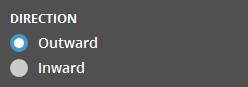
Choose either the Inward or Outward direction for the shell.
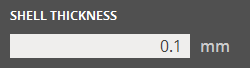
Specify the desired shell thickness by entering a value in the Shell Thickness.
Click Set to apply the changes.