 Mirror
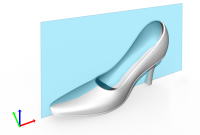
Create a mirror of the selected part. A new part will be created. To save this part to a file, use the Export command.
Note: (NextDent 5100 Printer) Click Simple UI  to switch between the simple and the advanced User Interface. In the Simple UI, only the tools for minimum workflow are visible.
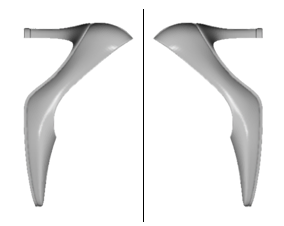
-
In the Print tab, click Mirror.
-
Select a part.
-
Choose a plane to mirror on:
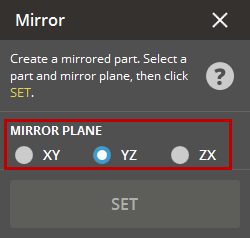
-
XY plane
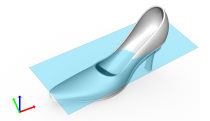
-
YZ plane
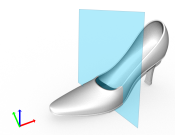
-
ZX plane
-
-
A preview will be shown.
-
Click Set.


