Thicken Supports
Supported Printers:
PLSA 270
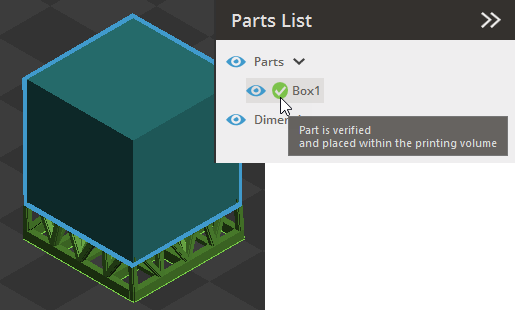
Add thickness to existing Empire supports, giving them volume to enable build generation. Traditional SLA Empire supports usually do not enclose a volume. However, for the PSLA 270, which is projector-based, supports must enclose a volume to be printable. This tool allows users to generate a build even when using supports that do not have a closed volume by adding the necessary thickness.
Thicken Supports
Create supports using the Smart Support command and check if the part has supports that do not enclose a volume.
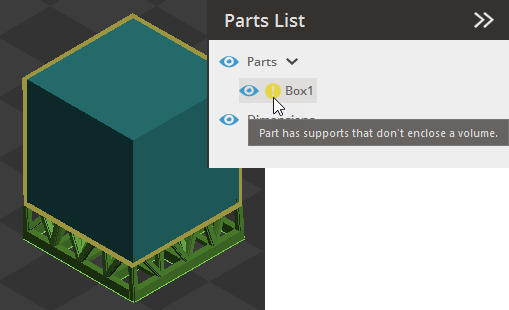
In the Print tab, click Thicken Supports.
Select the part(s) whose supports need thickness.
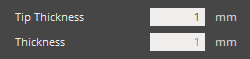
Specify the desired values for Tip Thickness and Thickness.
Click Apply to apply the changes and verify if the part is ready for printing.